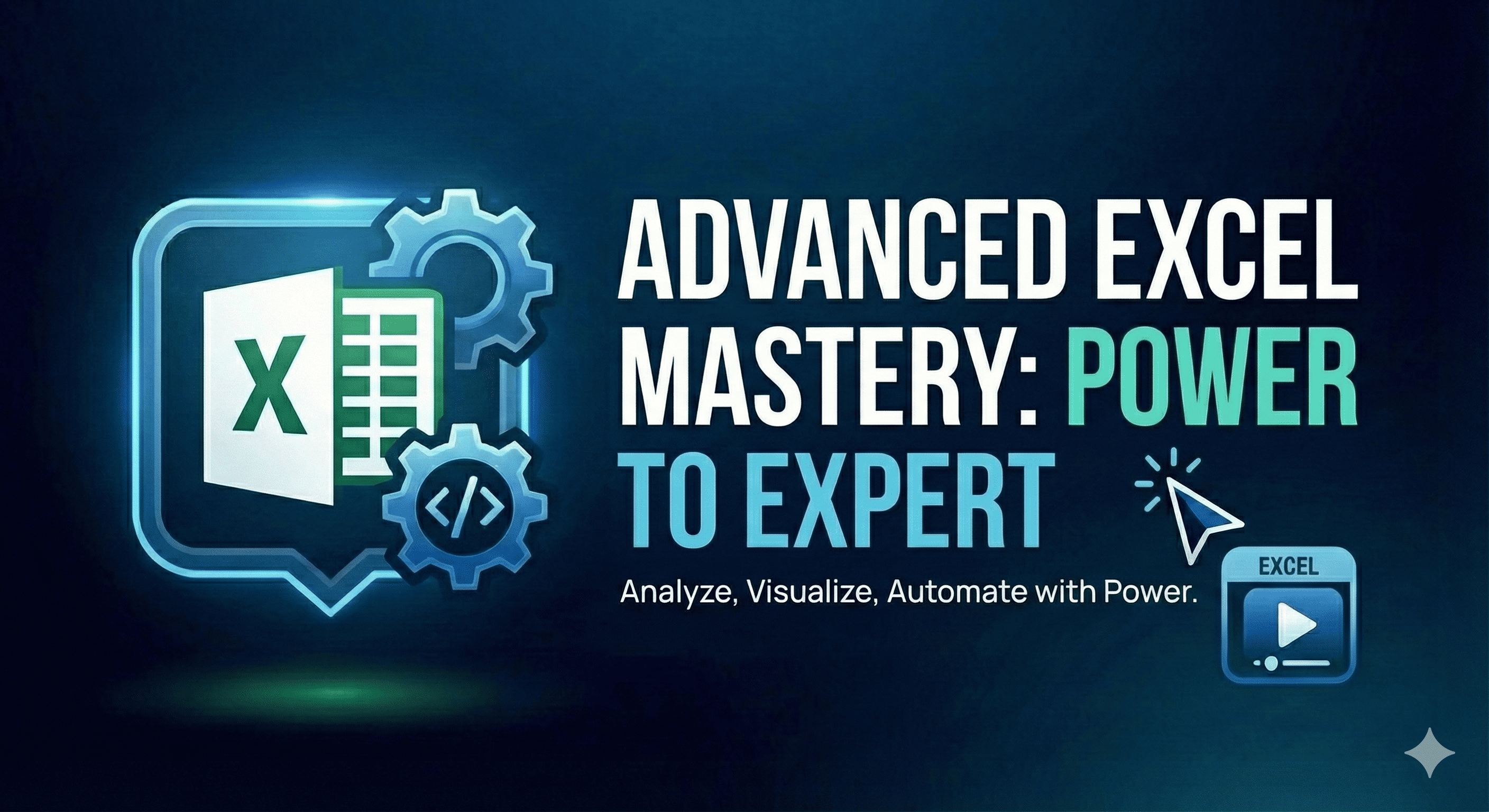
Take your Excel skills to the expert level! Master advanced formulas, data analysis, Power Query, Power Pivot, macros, and automation. Learn to build professional dashboards, financial models, and business intelligence solutions. This course is designed for professionals who want to become Excel power users and data analysts.
Build interactive dashboards with slicers & charts
Automate data cleaning with Power Query
Create data models with Power Pivot & DAX
Record and write VBA macros
Perform what-if analysis and forecasting
Build financial models and business reports
Optimize Excel for large datasets
Requirements
Intermediate Excel knowledge
Familiarity with basic formulas
Microsoft Excel 2016 or later (365 recommended)
Who This Course is For
Professionals wanting to master Excel
Data analysts and business analysts
Finance and accounting professionals
Anyone creating reports and dashboards
Course Content
9 sections •
42 lessons •
35 total hours
INDEX-MATCH: The VLOOKUP Killer
19:38
XLOOKUP: Modern Lookup Function
19:38
Dynamic Array Formulas
19:38
SUMIFS, COUNTIFS & AVERAGEIFS
19:38
Text Functions Masterclass
19:38
LET and LAMBDA Functions
19:38
PivotTables: Advanced Techniques
19:38
Slicers & Timelines
19:38
What-If Analysis
19:38
Solver for Optimization
19:38
Introduction to Power Query
19:38
Transforming Data
19:38
Merging & Appending Queries
19:38
Custom Columns & M Language
19:38
Parameters & Dynamic Queries
19:38
Introduction to Power Pivot
19:38
Creating Data Models
19:38
DAX Formulas Basics
19:38
Advanced DAX Functions
19:38
KPIs and Advanced Measures
19:38
Dashboard Planning & Layout
19:38
Advanced Chart Techniques
19:38
Interactive Dashboard Elements
19:38
Conditional Formatting for Dashboards
19:38
Dashboard Performance Optimization
19:38
Recording & Editing Macros
19:38
VBA Basics: Variables & Loops
19:38
Working with Ranges & Worksheets
19:38
User Forms & Input Boxes
19:38
Automating Reports with VBA
19:38
Financial Functions Deep Dive
19:38
Building a DCF Model
19:38
Sensitivity & Scenario Analysis
19:38
Loan Amortization Schedules
19:38
Power Automate Integration
19:38
Office Scripts (Excel Online)
19:38
Connecting to External Data
19:38
Error Handling & Debugging
19:38
Project: Sales Dashboard
19:38
Project: Inventory Management System
19:38
Project: HR Analytics Dashboard
19:38
Course Summary & Certification
19:38
Mohammed Aamir Khan
Experienced software developer and educator with over 10 years of experience in web development, automation, and teaching programming to beginners and professionals alike.
4.85 Instructor Rating
admin@simplecodehub.com
Experienced instructor with a passion for teaching programming concepts in an accessible way.
Student Reviews
4.9 out of 5 (0 students)
John Smith
Game changer!
This course completely transformed how I work with Excel. The instructor explains complex concepts in a way that's easy to understand, and the practical exercises really help reinforce the learning.
Was this review helpful?•
Sarah Johnson
Excellent course
This course completely transformed how I work with Excel. The instructor explains complex concepts in a way that's easy to understand, and the practical exercises really help reinforce the learning.
Was this review helpful?•
John Williams
Very helpful
This course completely transformed how I work with Excel. The instructor explains complex concepts in a way that's easy to understand, and the practical exercises really help reinforce the learning.




 Mohammed Aamir Khan